 HandCam

Your hand isthe camera.The AI follows.
match
Describe a set in one sentence, shoot the move with your phone, and HandCam turns it into an AI video that moves exactly like you did. Then it checks.
Real moves. Real videos.
Real scores.
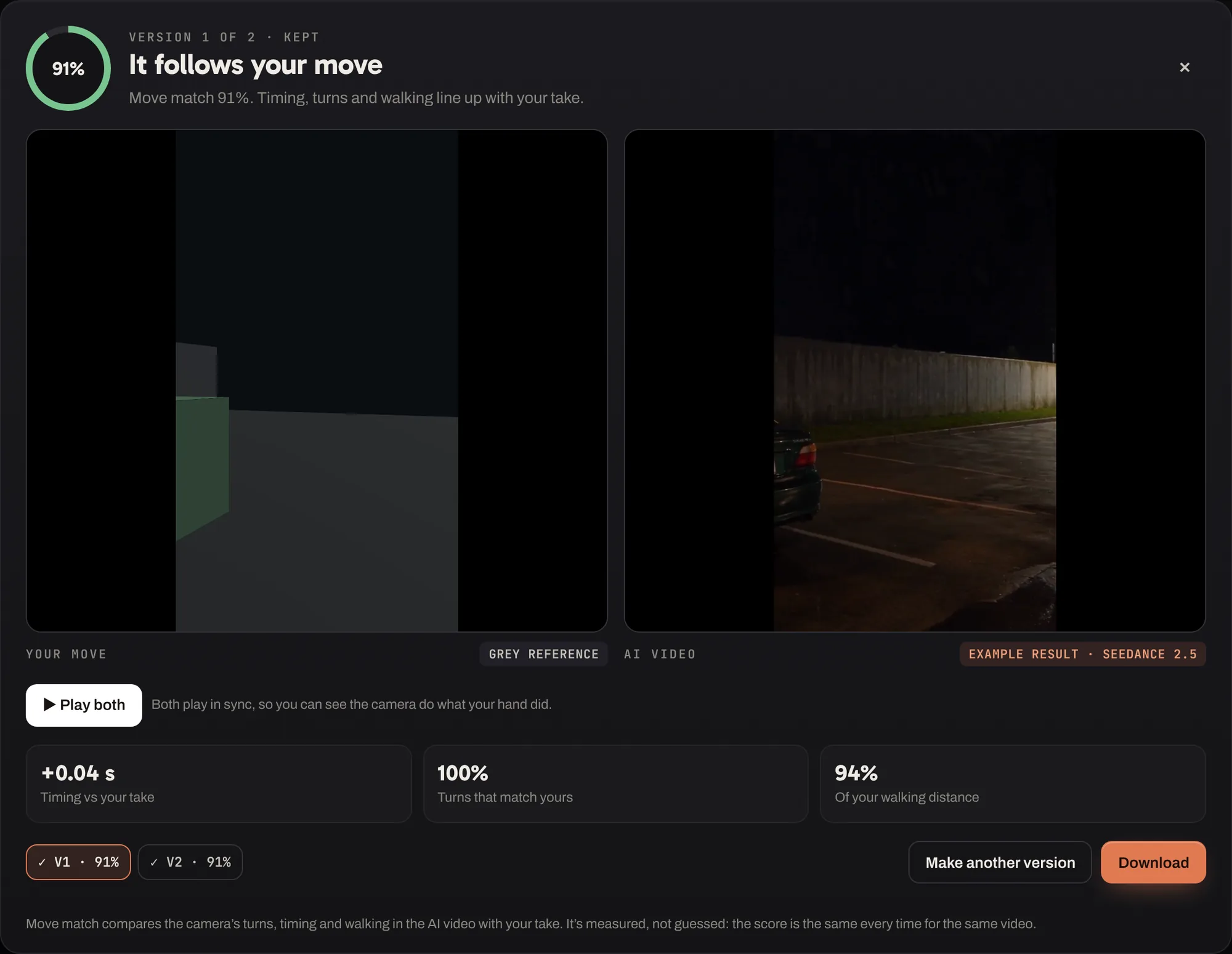
Each one was shot with a phone in HandCam, made by an AI video model and checked against the take. Drag across a video to see the move it followed.
Swipe for more →
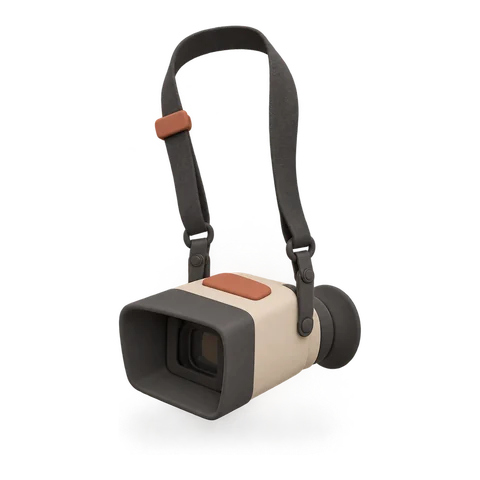
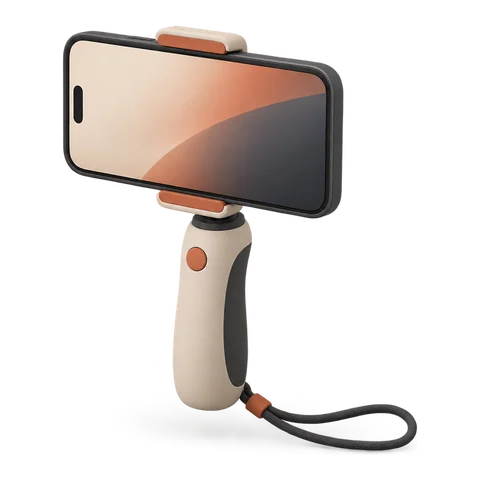 Why HandCam?
AI video models paint beautifully. They just can’t take direction.
You type “slow handheld push-in” and hope. Then you try again.
HandCam lets you show them the move instead.
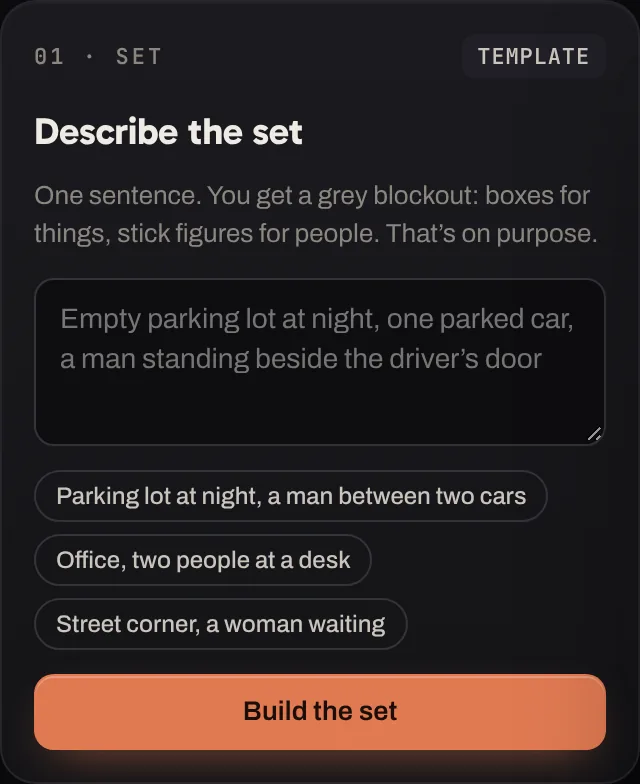
A set from one sentence
Type what’s in the shot. You get a grey blockout in seconds: cars, walls and people in the right places, at real-world size. It’s rough on purpose. It only has to tell the AI where things are.
- Ready in about five seconds
- Real-world scale, so moves feel right
- Change it with words, not menus
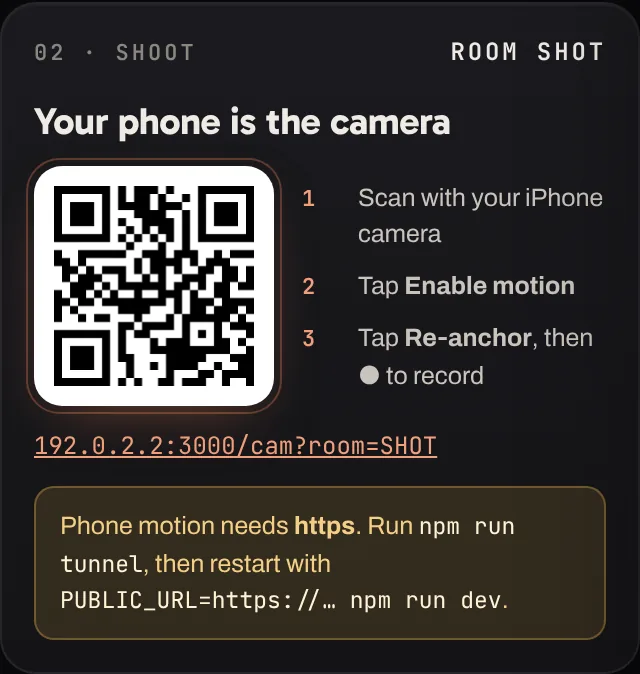
Shot with your hand.
Kept raw.
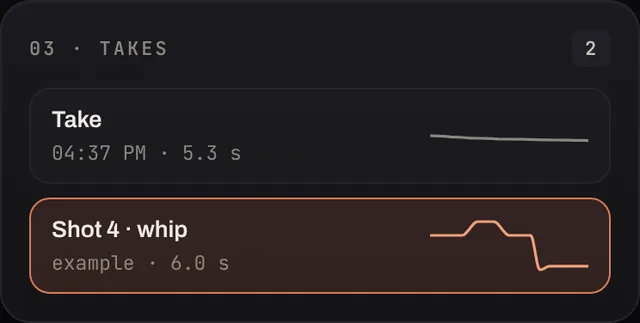
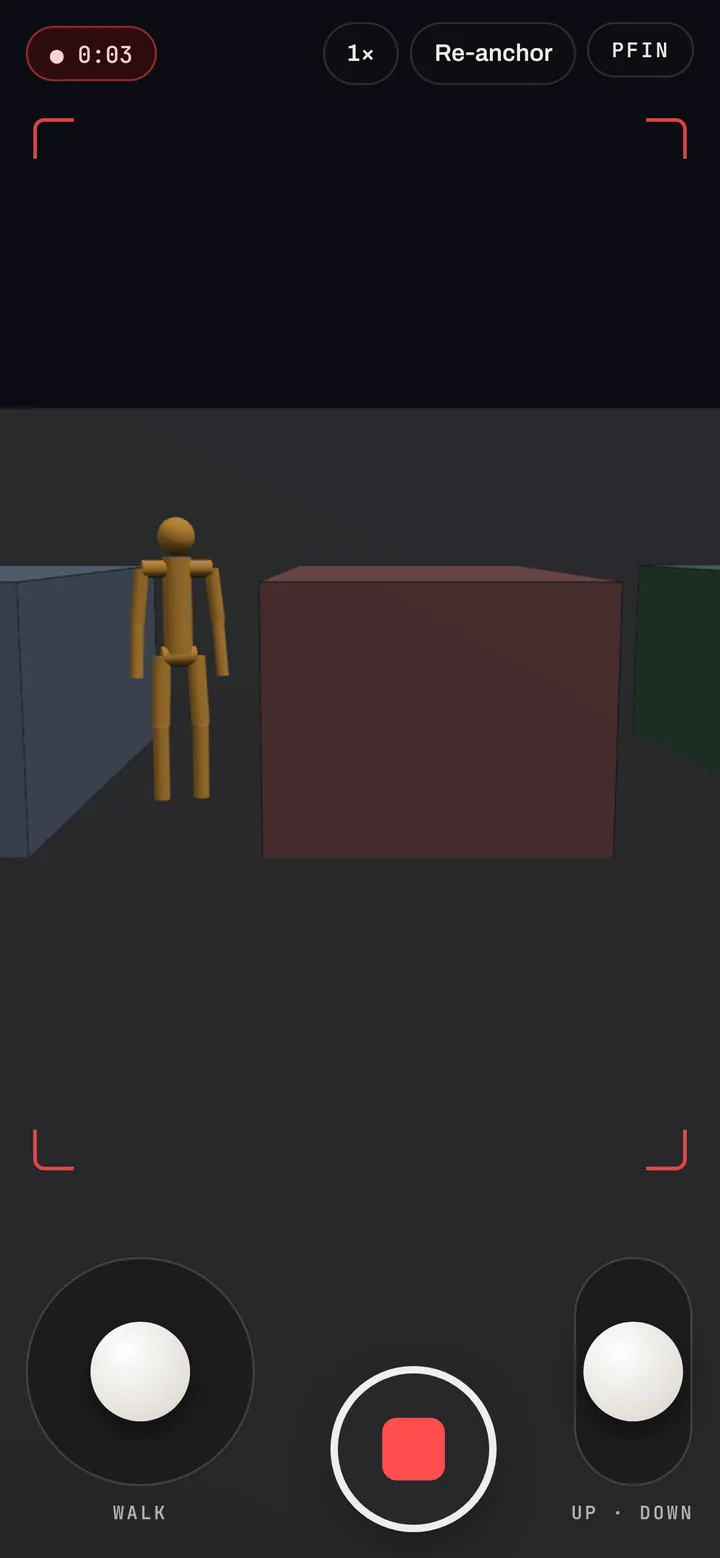
Your phone records every turn, wobble and correction sixty times a second. We never smooth it, because that’s what makes it feel real.
Checked, not hoped
We measure the camera in every AI video and compare it with your take. You see the score before you download.
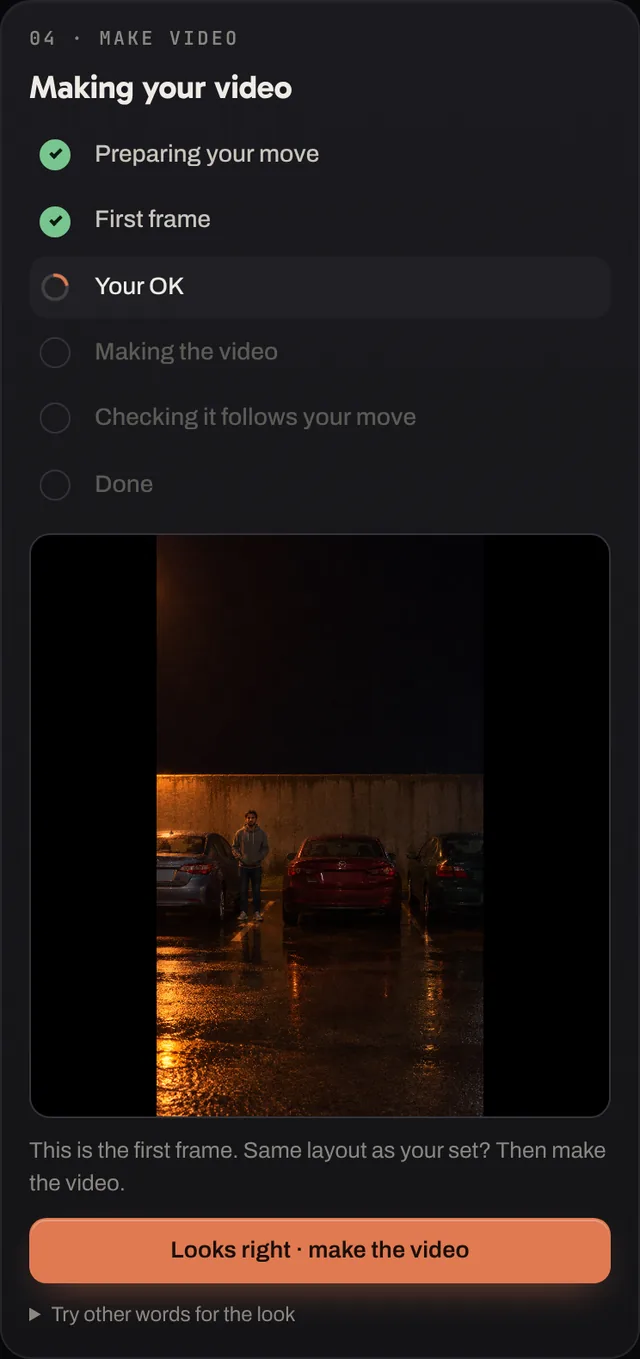
You approve. We do the retakes.
See the first frame before the video is made. We make several versions and keep the one that follows your move most closely. If none does, you see why.
- First frame first, then the video
- Best of several versions, kept for you
- Download in one click
From a sentence to a shot in three steps
No Blender, no 3D skills, no camera rig. Your phone and a laptop.
Try the demo →Describe the set
Type the scene. Get a grey blockout you can look around.
About 5 secondsShoot with your phone
Scan a code, hold the phone like a camera and move. Shoot as many takes as you like.
As long as your shotMake the video
Describe the look and OK the first frame. Get a video that moves like you did, checked.
About 3 minutesIf your hand can do it,
the AI can follow it
Any move you can make with a phone: turns, walks, crouches, the little wobble at the start.
Set, shoot, make.
One window.
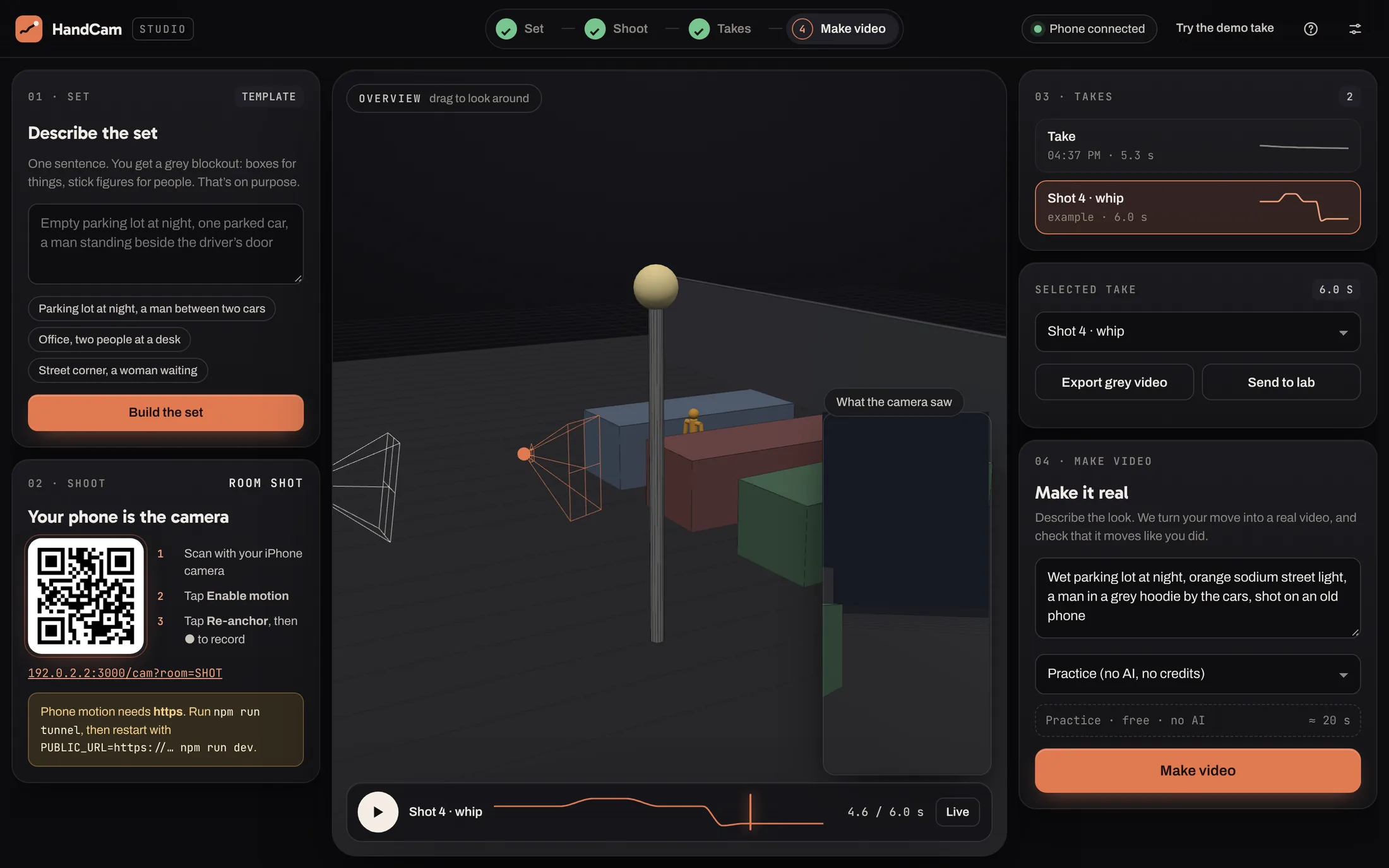
Build the set, watch your phone move through it live, replay every take, then make the video and compare it with your move.
Prompting vs. 3D software vs. HandCam
Prompting alone
- Describe the move and hope
- Re-roll until it’s close
- No way to know if it matched
- Same words, different shot every time
3D software
- Weeks to learn
- Hand-drawn camera paths look on rails
- Build every set by hand
- Still need an AI video tool after
HandCam
- A set from one sentence
- A real handheld move, kept raw
- Every video checked against your take
- No 3D software at all
Shoot for free.
Pay when it’s real.
Sets, takes, Practice videos and the grey video export are free forever. Plans add real AI videos every month and JSON and Blender export. Versions that don’t follow your move (under 70% move match) are never counted.
Loading plans…
One video = one 480p version up to 8 s; 720p uses 2, 1080p uses 5. Plan videos reset monthly; top-ups never expire. Cancel any time and keep your plan to the end of what you paid for. Payments by Dodo Payments.
Frequently asked questions
No. You describe the set in a sentence and HandCam builds it. You never open a 3D program, and you never draw a camera path by hand.
HandCam is built and tested on iPhone with Safari. Most recent Android phones work too. The phone page runs in the browser: there’s nothing to install.
Seedance 2.5 today. We add a model once its recipe passes our move tests, so every model we offer has been checked to follow a camera move.
A score for how closely the AI video’s camera follows your take. We measure its turns, timing and walking frame by frame and compare them with what your phone recorded. Same video, same score, every time.
Yes. We record your phone’s motion exactly as it happened and never smooth or edit it. Want a different move? Shoot another take, like on a real set.
We make several versions and keep the closest. If none passes the check, you see why, for example “walks less than you did”, and you can make another version.
One version of a real AI video, at 480p and up to 8 seconds. 720p uses 2, 1080p uses 5, and a take over 8 seconds uses double. Versions under 70% move match use nothing. The grey video of your move is always free.
Any time, from your account in the studio. Upgrades start straight away and you pay the difference for the rest of the month. Switching down or cancelling happens at the end of what you’ve paid for, and you keep your plan until then. Top-up videos never expire.
Your sets and takes stay in your browser and on your computer. When you make a video, the grey move, its first frame and your words for the look are sent to the AI model to make it.
Both. Turning comes straight from your phone; walking uses the on-screen joystick today. Real walking with the iPhone’s own tracking is on the way.

Your next shot is already in your hand.
Describe a set and shoot your first take in the next five minutes.
Try the demo →